
How to work with active tasks
The Active section contains all tasks that you have confirmed and are currently working on.
Here you can prepare the vehicle, complete pick-up and drop-off forms, enter required information, upload photos, record payments, and finalize tasks.

How to find a task
If you have many active tasks, use the filter:
1. Tap the filter icon 
2. Select the appropriate parameters:

-
Status:— Preparation — you have started preparing the vehicle for the booking— Accepted — you have taken the task into work— In Progress — you are currently performing the task— Hold — the task is temporarily paused

-
Task type — vehicle pick-up or drop-off

-
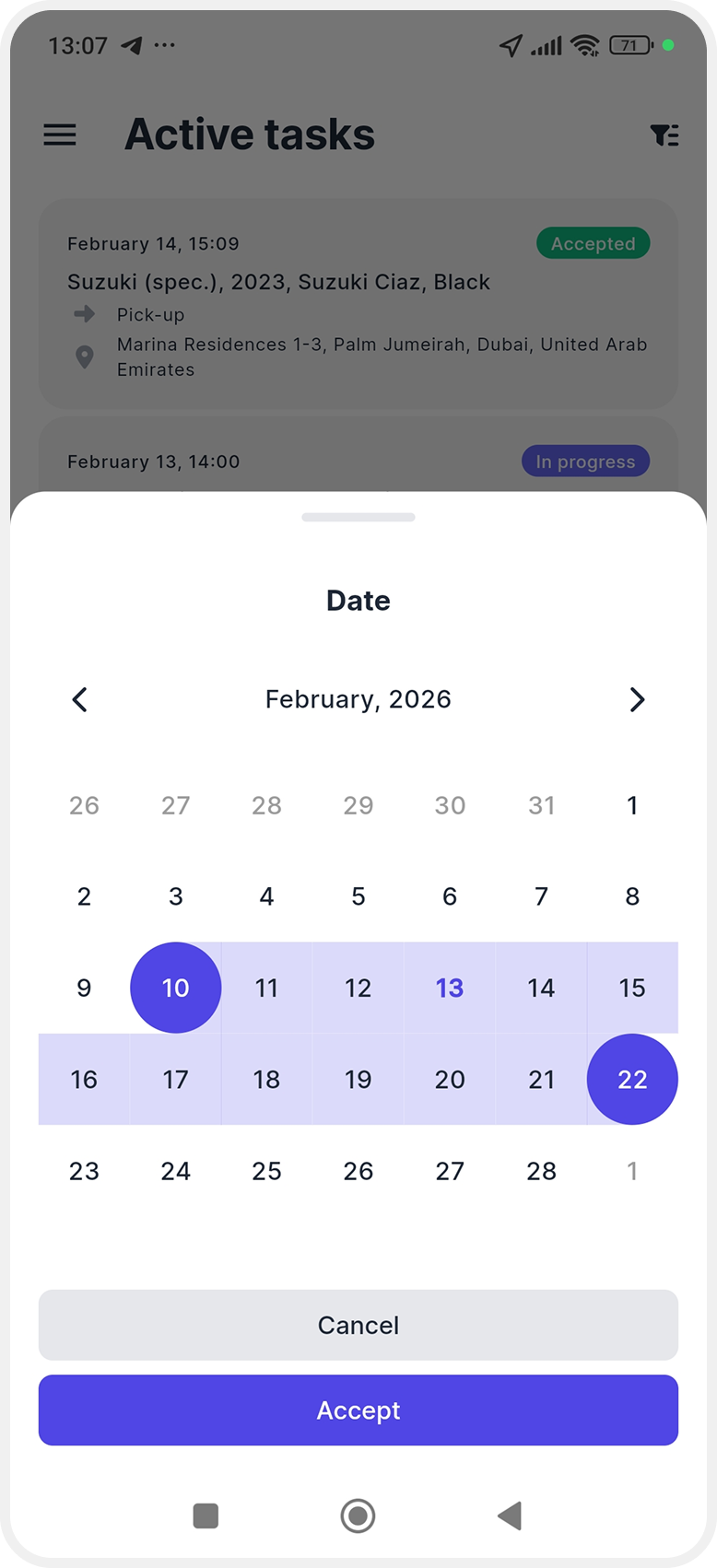
Date — select the required dates in the calendar
-
Vehicle — enable the toggle and choose a specific vehicle to see tasks related only to it

3. Tap Apply to refresh the list.
This helps you quickly find the task you need and continue your work.