
How to pause a task
If you need to temporarily stop working on a task (for example, if the customer is delayed):
1. Open the task screen and tap the Pause icon

2. Select or enter the reason for pausing
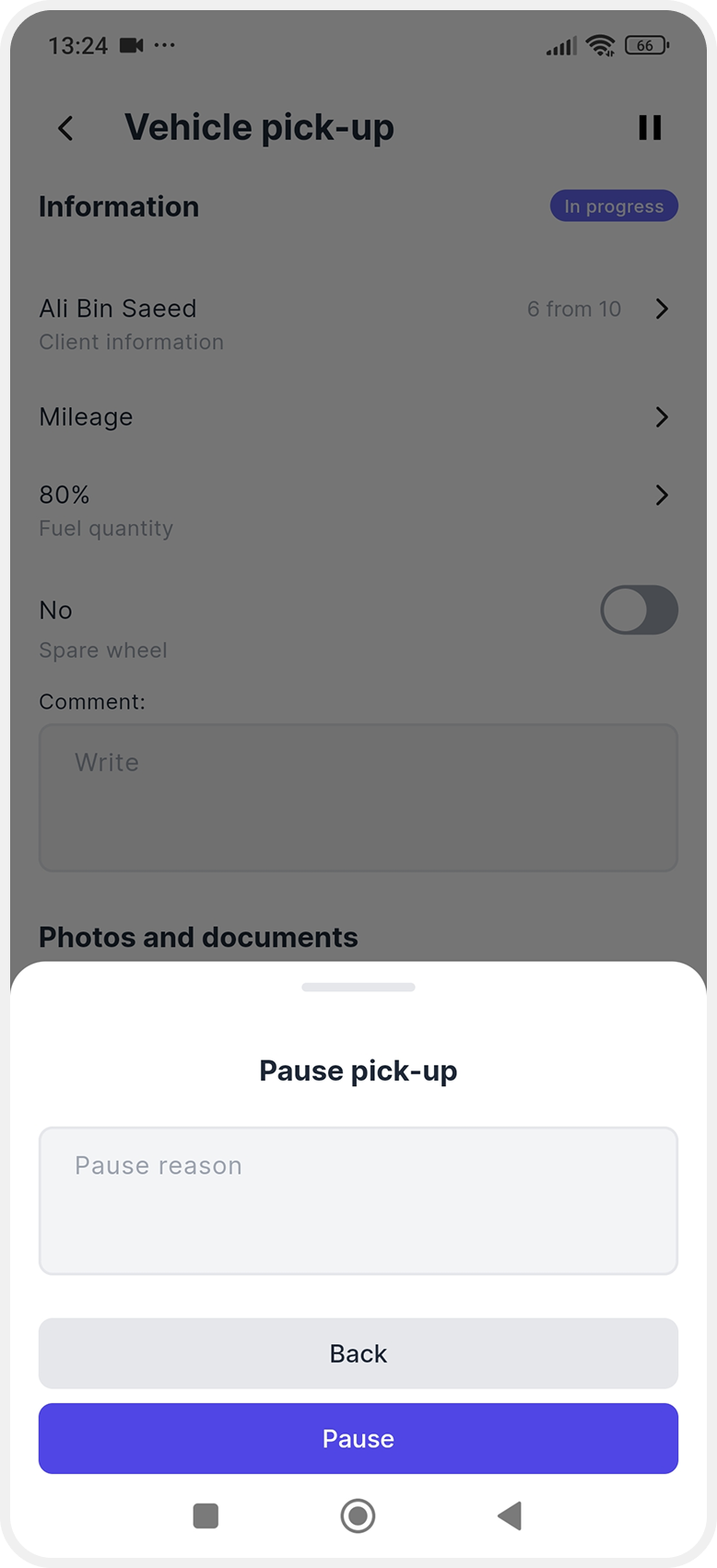
3. The task status will change to Hold
To continue working, open the task again and tap Continue task.
