
How to view completed tasks
To see the tasks you have already finished, go to the Completed tab.
This section contains the history of all completed and canceled tasks.

How to find a completed task
If there are many tasks, use the filter:
1. Tap the filter icon 
2. Select the appropriate parameters:
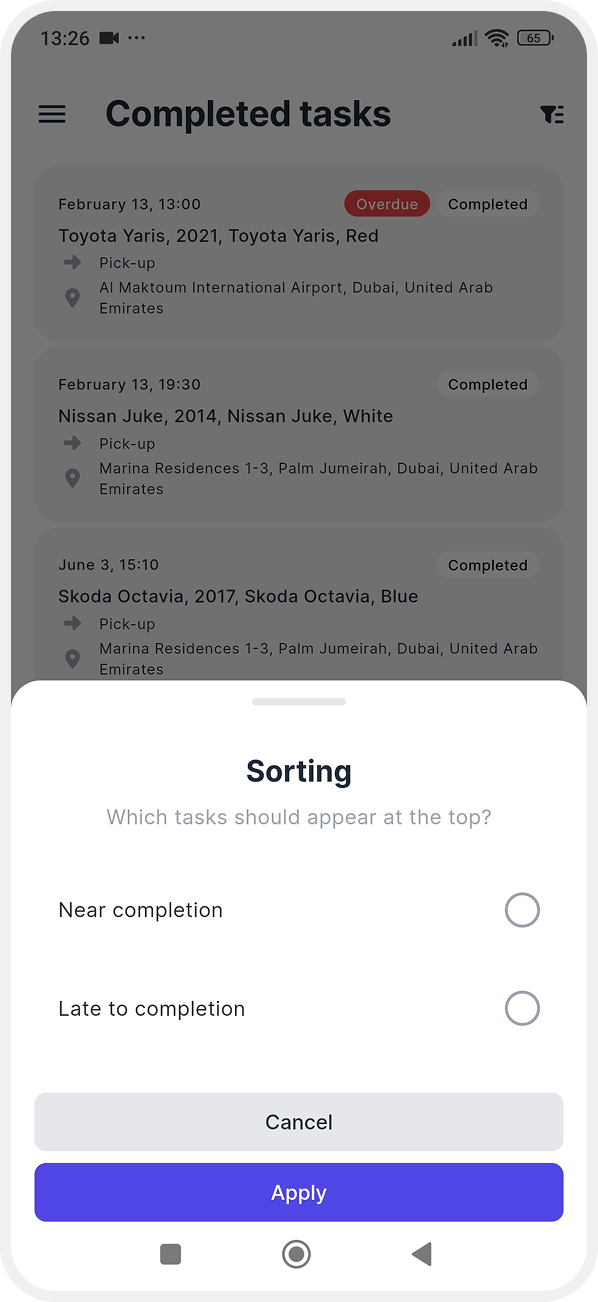
Sorting — choose which tasks appear at the top of the list:
-
Closest to completion date
-
Closest to overdue date
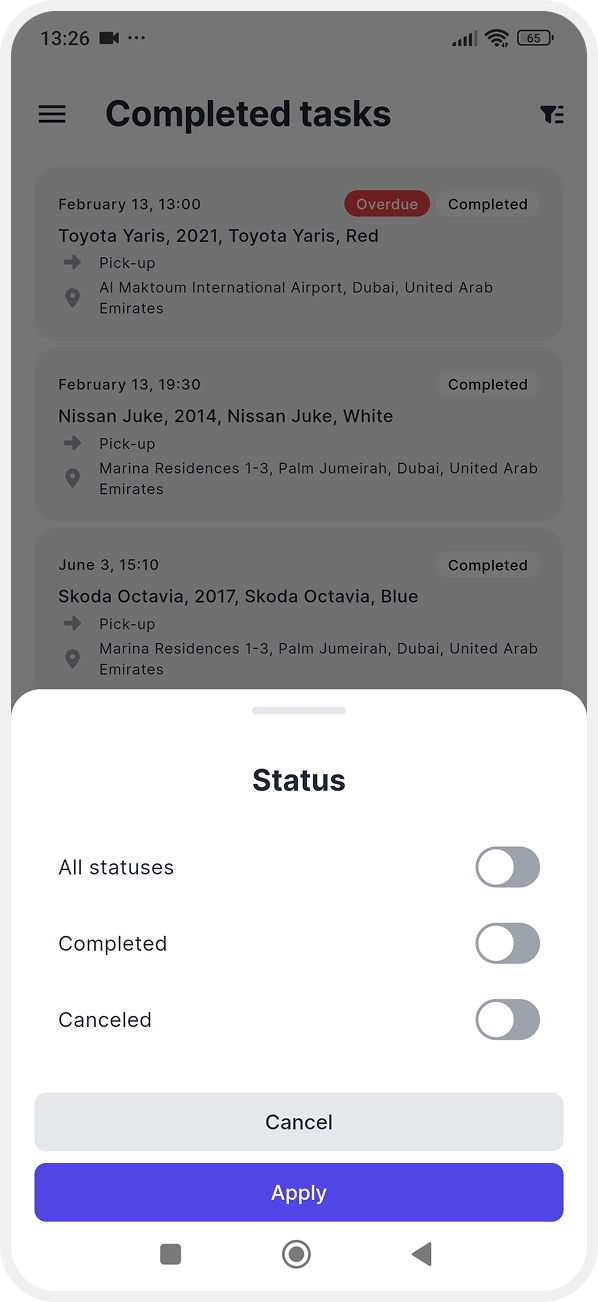
Status — completed or canceled
Task type — vehicle pick-up or drop-off

Date — select the required dates in the calendar

Vehicle — enable the toggle and choose a specific vehicle to see tasks related only to it

3. Tap Apply to update the list
How to view task details
To open a task, tap its card in the list.

In the task card, you will see:
-
Task type
-
Scheduled date and time
-
Vehicle
-
Service address
-
Actual date and time of completion