
Violations
In this tab, you can create a list of possible rental rule violations and assign fines for them. This helps you clearly define the consequences for customers if something goes wrong. The fines are automatically added to the booking calculation, so the total rental cost is updated automatically.

How to add a violation
1. Click Add in the Violations tab
2. In the pop-up window, enter the following details:
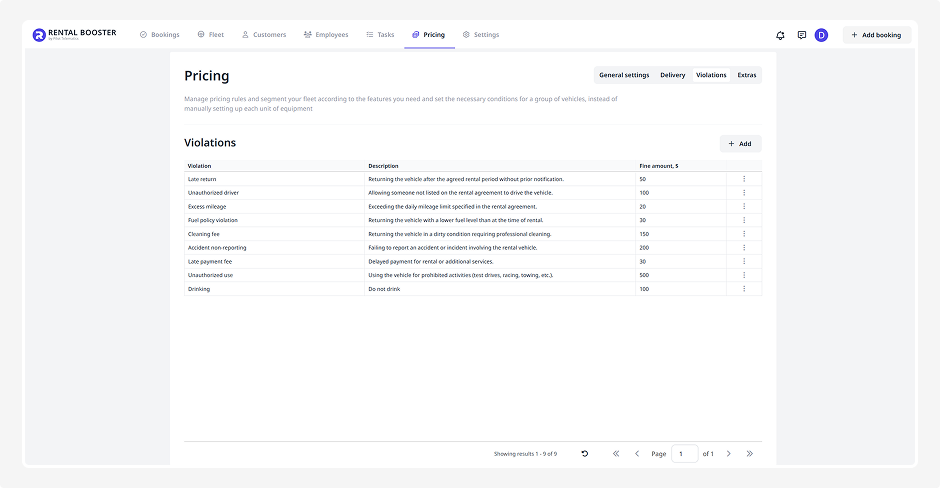
• Violation name (for example, Late return)
• Description — briefly explain when this violation applies (for example, the vehicle was returned later than agreed without prior notice)
• Fine amount
3. Click Save
The added violations will appear in the main list and become available when completing a vehicle drop-off.
When a violation is recorded, the system will automatically add the fine amount to the booking total.