
How to add a vehicle
To use a vehicle in bookings, track its status, and manage its rental conditions, you need to add it to the system first.
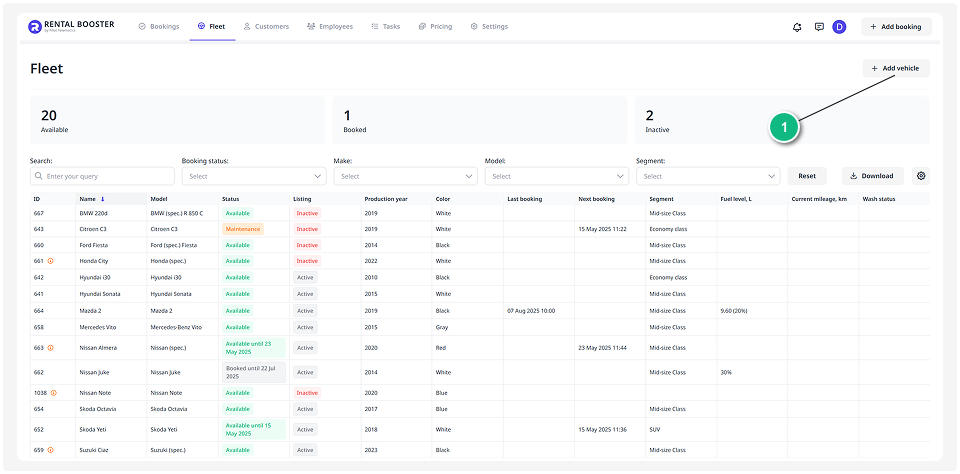
1. Go to the Fleet section and click Add vehicle. This will open the vehicle creation form
2. On the vehicle page, complete all required fields in the Vehicle details section

3. Once all mandatory fields are filled out, click Save
The newly created vehicle will now appear in your Fleet list.