How to add a booking
If a booking request was received by email, phone, or messenger, you can create the booking manually:
1. Click Add booking
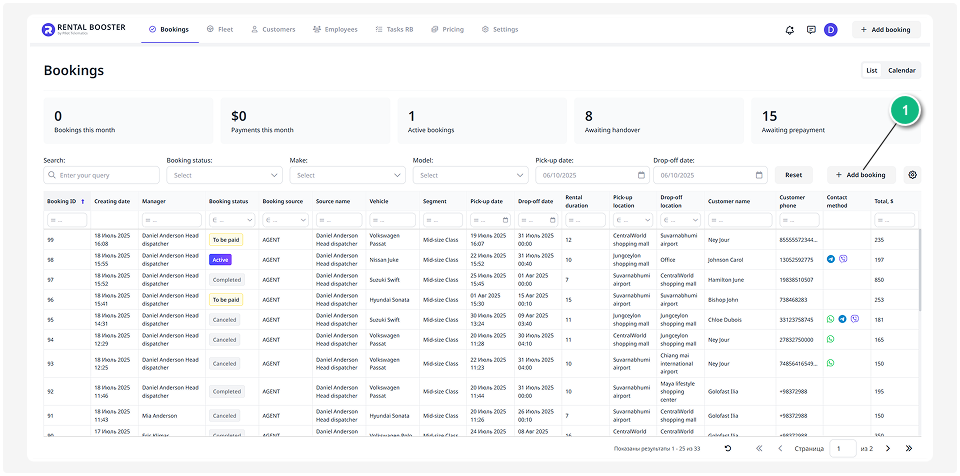
2. A booking page will open, where you can enter the main details:

• Selected vehicle
• Rental dates
• Customer information
• Pick-up and drop-off locations
3. After filling in all the required information, click Save. The booking will appear in the general list and calendar.