Additional vehicle actions
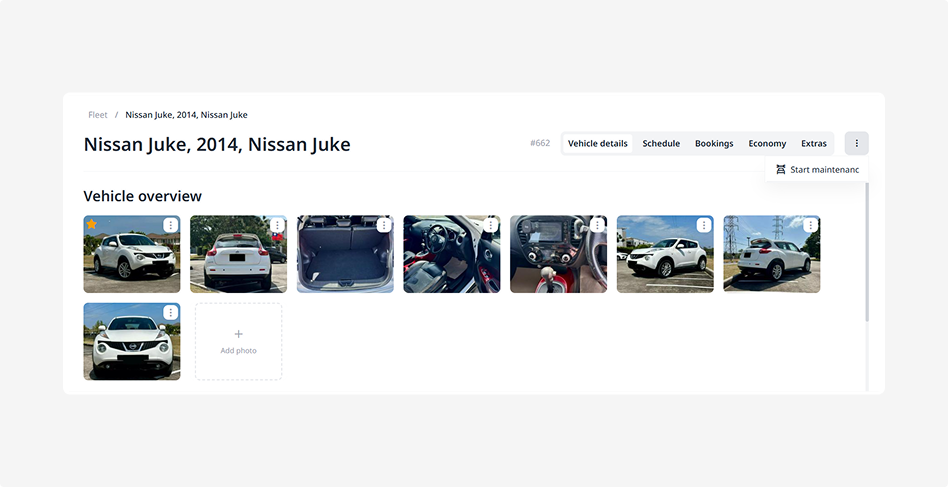
If you click the three dots in the top-right corner of the vehicle page, a menu with additional actions will open. From here, you can perform several actions.
What you can do:
Start maintenance
The vehicle status will change to Maintenance. While this status is active, the vehicle will not be available for booking. Use this option when the vehicle needs to be sent for servicing, repair, or inspection.

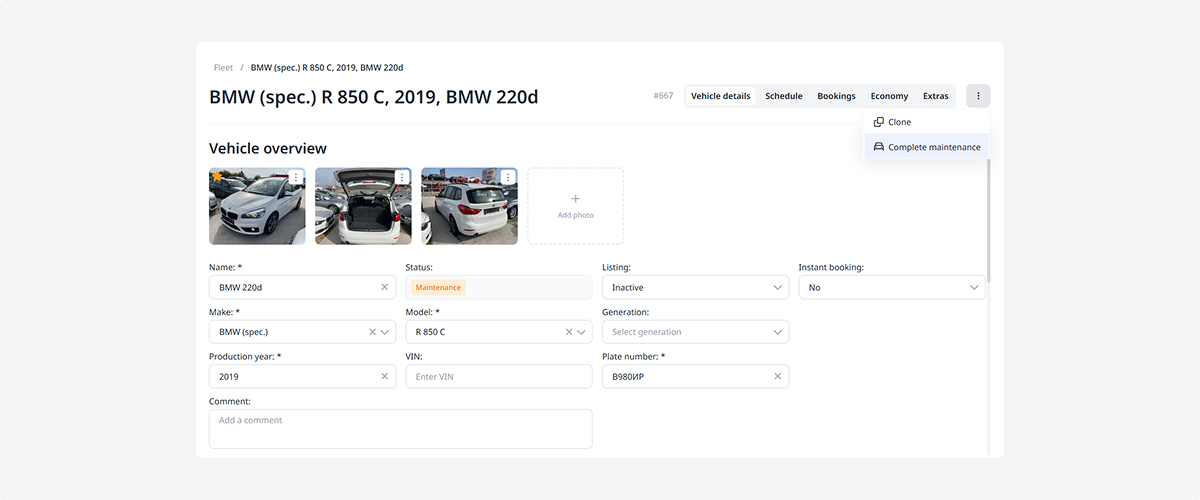
Complete maintenance
The vehicle status will change back, and it will become available for rental again.
Clone vehicle
Click Clone in the additional actions menu — a copy of the vehicle will appear in the fleet list with the main details already filled in.

Use this feature if you have multiple similar vehicles and don’t want to enter the same data again.

After creating a copy, on the vehicle page:
-
specify the vehicle number
-
add photos
-
adjust the details if needed
